
Why AI product photos get your label wrong
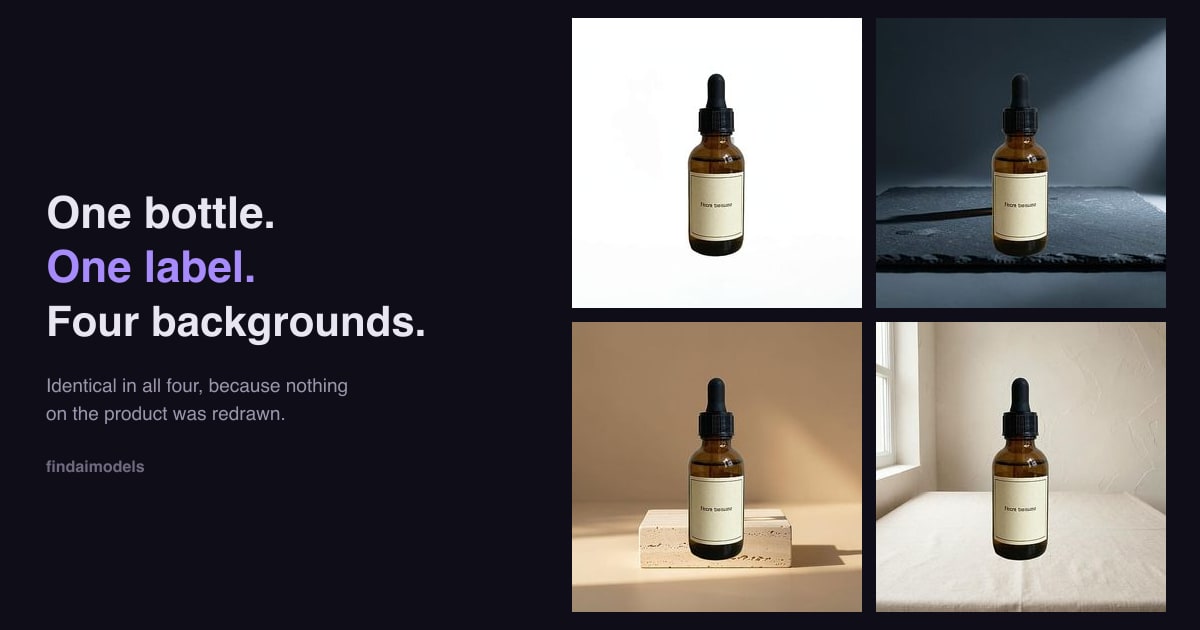
Run your product through most AI photo tools and something subtle happens: the label comes back looking right at a glance and wrong up close. The letters are the wrong letters. Here is why that happens, and why it matters more than it looks.
What these tools are actually doing
Almost every AI product photography tool works the same way. It takes your photo as a reference, and then generates a new image guided by it. The output is not your photo with a new background. It is a new picture that resembles your photo.
That distinction is invisible for most of the frame. A generated wooden table looks like a wooden table. A generated shadow falls about where a shadow should. Nobody can tell, and nobody needs to.
Then it reaches your label.
Text is where it breaks
Image models learn what text looks like, not what it says. Asked to draw a label, the model produces something with the shape, weight and rhythm of your label — correct font feel, plausible line breaks, right colour — made of letters that are not the ones you printed. Sometimes it is close enough that you have to look twice. Sometimes it is obvious nonsense.
The same applies to anything text-shaped: barcodes become stripe patterns that do not scan, batch numbers become different numbers, and a registered mark becomes an approximation of one.
Why this matters more than a cosmetic glitch: for food, cosmetics and supplements, the ingredient panel and net weight are regulated information. A photo showing a panel you never printed is not a rendering artefact, it is a misstatement. And a listing image whose barcode or brand mark is subtly wrong is the kind of thing a marketplace pulls without much conversation.
How to check a tool before you trust it
You do not need to understand the model. Run one test:
- Photograph a product with small printed text — an ingredient list, a batch code, any fine print.
- Run it through the tool.
- Zoom in on the text in the output and compare it, character by character, with the original.
If a single character differs, the tool is regenerating your product, and every image it produces is a new roll of the dice. Check the shape of the bottle and the exact colour of the cap while you are there — those drift too, just less visibly.
The alternative: do not redraw the product
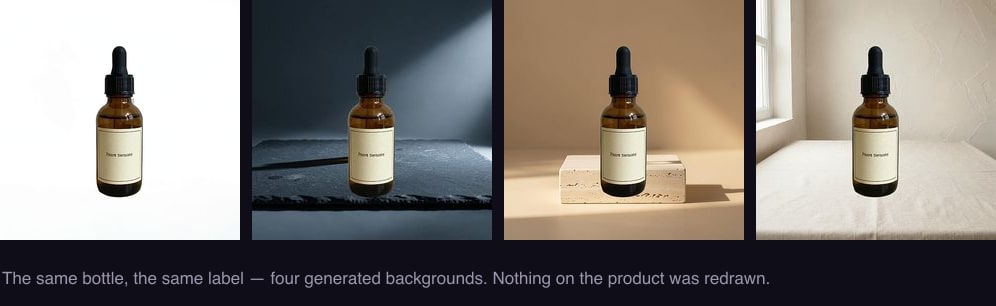
There is a different approach, and it is worth knowing it exists because it changes what you can safely automate. Instead of generating a new picture, the product is cut out of your original photo and placed onto a new background. The pixels of the product are your pixels — moved, not remade.
Under that approach the label question disappears entirely. Not "usually accurate", not "accurate at high settings" — the text cannot change, because nothing regenerated it. Neither can the colour of your cap, the shape of your bottle, or the finish of your packaging.
The honest trade-off is that the product cannot change either. It keeps the angle it was photographed at and the light that was on it, so the background has to be chosen to suit the photo rather than the other way round. For anything where the product must be the product, that is a trade worth making.
What to ask a vendor
- Does the output contain any generated pixels of my product, or only of the background?
- If I photograph fine print, will it come back identical?
- What happens to my barcode?
Vendors that regenerate will answer these with words like "high fidelity" and "preserves detail". Those are quality claims, not guarantees. There is a real difference between a tool that is usually right about your label and one that cannot be wrong about it.
Your label, never redrawn
ProductShots cuts your product out of your own photo and places it into a generated scene. The label, logo, ingredient panel and packaging text come through exactly as photographed, because nothing regenerates them. $0.99 per product.
Try ProductShots →